Security Settings
Security Settings
App security settings
App security settings
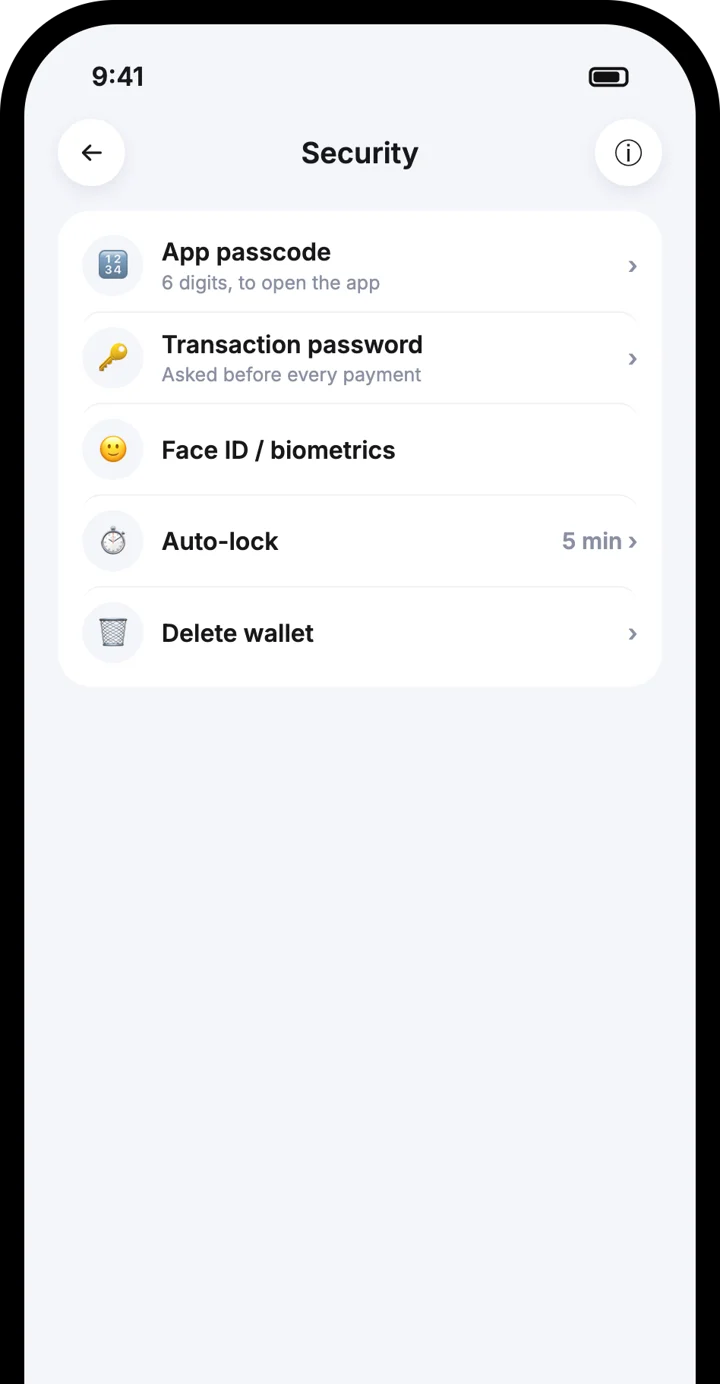
Control how your wallet is protected: app passcode, transaction password, Face ID or fingerprint, auto-lock and deleting a wallet from your phone.
Control how your wallet is protected: app passcode, transaction password, Face ID or fingerprint, auto-lock and deleting a wallet from your phone.
6-digit passcode
Transaction password
Face ID and biometrics
Auto-lock
6-digit passcode
Transaction password
Face ID and biometrics
Auto-lock



Watch how it works
Watch how it works
Security Settings in under a minute
Security Settings in under a minute
Follow each step on screen, then try it in the app.
Open Settings, then Security
Change your app passcode
Set a transaction password
Step by step
Step by step

1
Open Settings, then Security
All protection options are in one place.
1
Open Settings, then Security
All protection options are in one place.

2
Change your app passcode
The 6-digit passcode opens the app. Change it whenever you like.
2
Change your app passcode
The 6-digit passcode opens the app. Change it whenever you like.

3
Set a transaction password
A separate password, with letters, numbers and special characters, that you enter when making a payment.
3
Set a transaction password
A separate password, with letters, numbers and special characters, that you enter when making a payment.
4
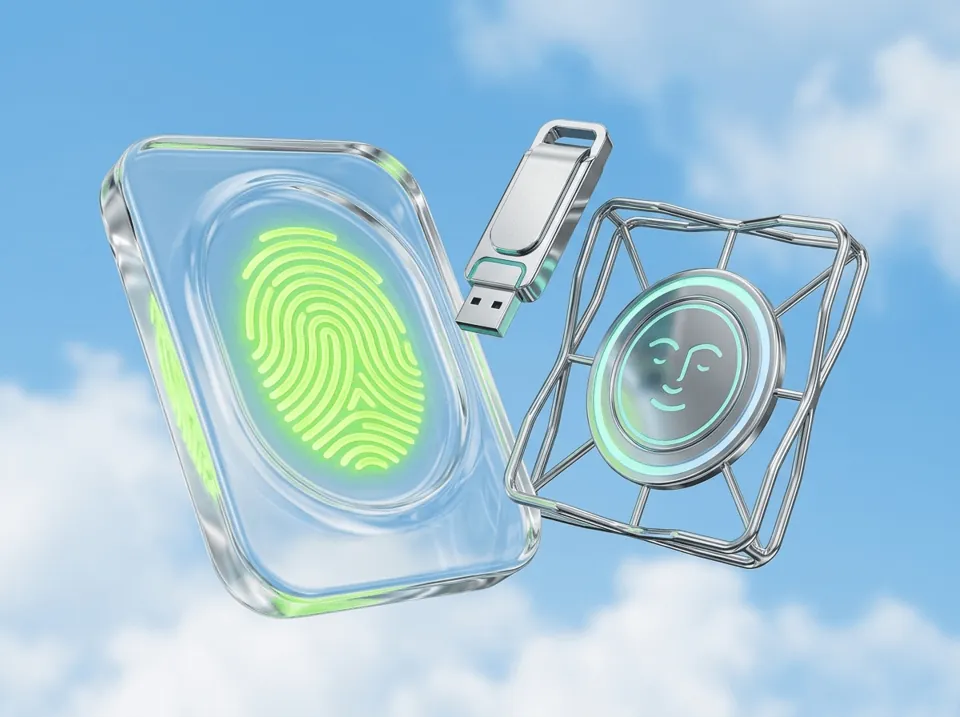
Turn on Face ID or biometrics
Use Face ID on iPhone or fingerprint on Android to unlock quickly.
4
Turn on Face ID or biometrics
Use Face ID on iPhone or fingerprint on Android to unlock quickly.
5
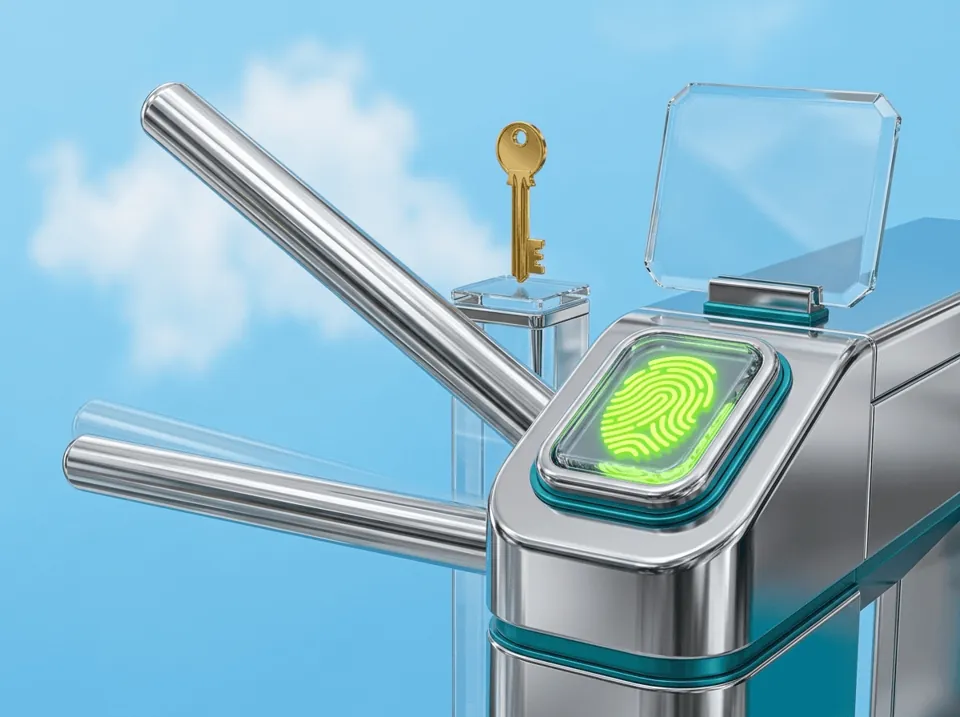
Choose auto-lock
Lock the app automatically after 1 minute, 5 minutes or 1 hour.
5
Choose auto-lock
Lock the app automatically after 1 minute, 5 minutes or 1 hour.

6
Delete a wallet
Enter your password and confirm. The wallet is removed from this phone only.
6
Delete a wallet
Enter your password and confirm. The wallet is removed from this phone only.
Good to know
Good to know
The passcode opens the app; the password approves payments
The passcode opens the app; the password approves payments
Deleting a wallet does not delete it from the blockchain
Deleting a wallet does not delete it from the blockchain
You can restore a deleted wallet with your recovery phrase or cloud backup
You can restore a deleted wallet with your recovery phrase or cloud backup
Back up before you delete
Back up before you delete
Frequently asked questions
Frequently asked questions
What is the difference between the passcode and the password?
If I delete my wallet, are my funds gone?
Which auto-lock time should I choose?
Download the Atom app
Send USDT without holding TRX, swap in seconds, withdraw to your local bank and get 24/7 human support — with keys that stay on your device.




Download the Atom app
Send USDT without holding TRX, swap in seconds, withdraw to your local bank and get 24/7 human support — with keys that stay on your device.