Features · WalletConnect
Features · WalletConnect
Connect Atom Wallets to any dApp with WalletConnect
Connect Atom Wallets to any dApp with WalletConnect
Use your Atom wallet to log in to thousands of decentralised apps. Scan a QR code or open the app in the built-in browser, approve the connection, and keep your keys on your own phone.
Use your Atom wallet to log in to thousands of decentralised apps. Scan a QR code or open the app in the built-in browser, approve the connection, and keep your keys on your own phone.
Scan a QR to connect
Built-in dApp browser
Multi-chain
Keys stay on your phone
Scan a QR to connect
Built-in dApp browser
Multi-chain
Keys stay on your phone
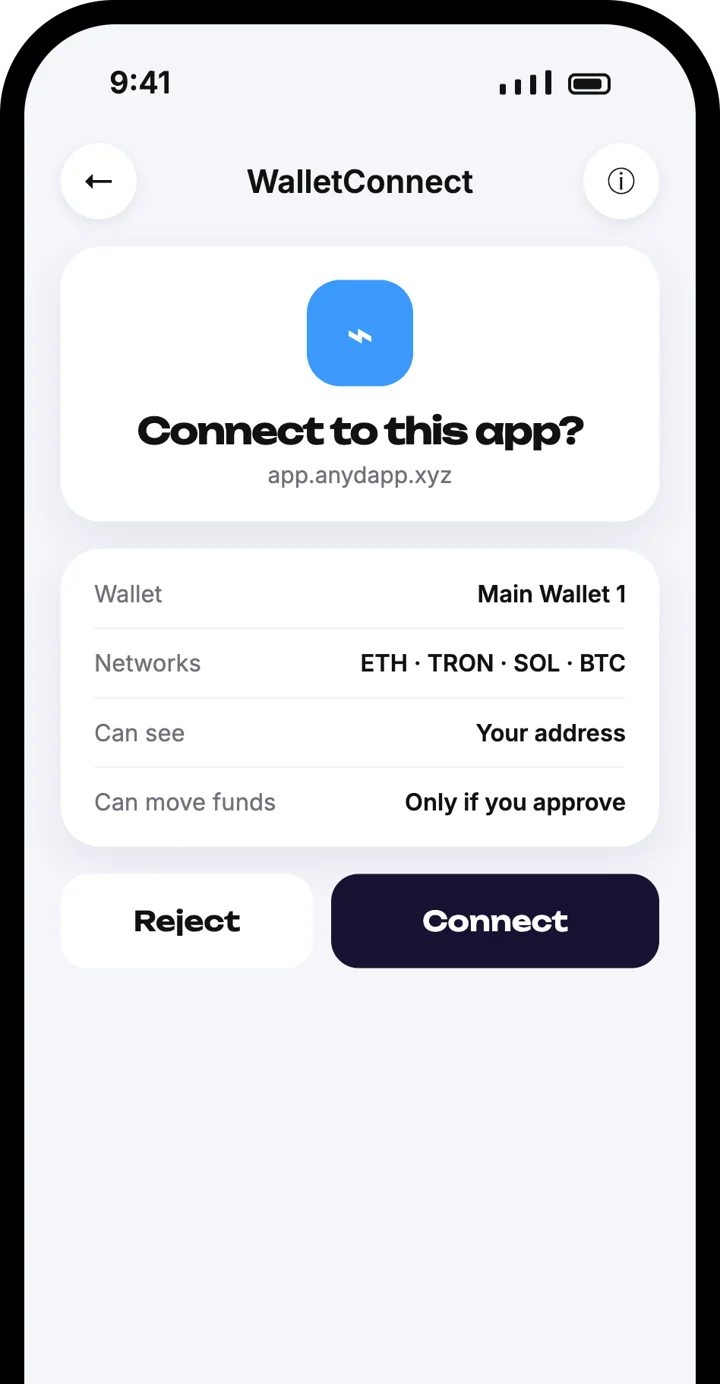



WalletConnect
WalletConnect
Scan, approve, connected
Scan, approve, connected
Scan the QR code on a dApp website, check the request in Atom Wallets and tap Connect.
Works on any site with a Connect Wallet button
Ethereum, TRON, Solana and Bitcoin
Every transaction still needs your approval
Two ways to connect
Two ways to connect
Pick whichever is easier for you. Both end with one approval inside Atom Wallets.
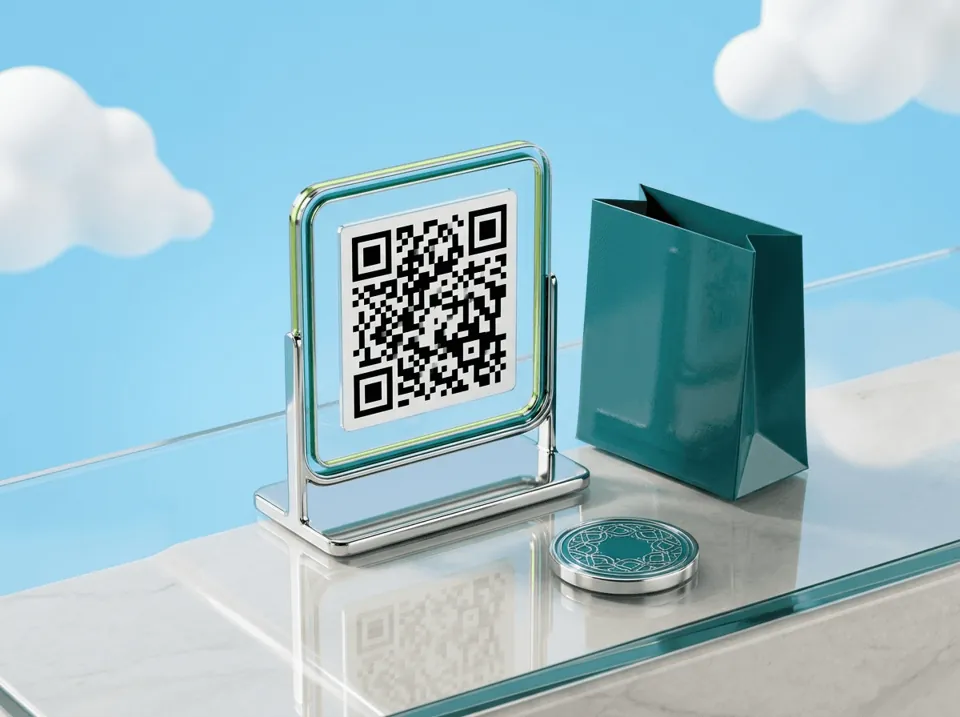
Scan the QR on any website
On a dApp website, choose Connect Wallet or Log in with wallet, pick WalletConnect, then scan the QR code with Atom Wallets.
Scan the QR on any website
On a dApp website, choose Connect Wallet or Log in with wallet, pick WalletConnect, then scan the QR code with Atom Wallets.

Use the in-app dApp browser
Open the dApp in the browser built into Atom Wallets and tap Connect. No QR code needed.
Use the in-app dApp browser
Open the dApp in the browser built into Atom Wallets and tap Connect. No QR code needed.
How to connect in four steps
How to connect in four steps
1
Open the dApp
Go to the dApp website on your computer or phone, or open it in the Atom Wallets browser.
1
Open the dApp
Go to the dApp website on your computer or phone, or open it in the Atom Wallets browser.

2
Choose WalletConnect
Tap Connect Wallet or Log in with wallet and select WalletConnect.
2
Choose WalletConnect
Tap Connect Wallet or Log in with wallet and select WalletConnect.

3
Scan the QR code
Scan the code with Atom Wallets. In the in-app browser the request opens by itself.
3
Scan the QR code
Scan the code with Atom Wallets. In the in-app browser the request opens by itself.

4
Approve in Atom Wallets
Check the app name and network, then tap Connect. You are logged in.
4
Approve in Atom Wallets
Check the app name and network, then tap Connect. You are logged in.
One wallet, many blockchains
One wallet, many blockchains
WalletConnect works across blockchains, so you can connect on the network the dApp needs without switching wallets.
Ethereum
Ethereum
TRON
TRON
Solana
Solana
Bitcoin
Bitcoin
You stay in control
You stay in control
Keys never leave your device
The dApp only sees your public address. Your private keys stay encrypted on your phone.
Keys never leave your device
The dApp only sees your public address. Your private keys stay encrypted on your phone.

You approve every action
Each transaction or signature request appears in Atom Wallets first. Nothing moves until you approve it.
You approve every action
Each transaction or signature request appears in Atom Wallets first. Nothing moves until you approve it.

End-to-end encrypted
The connection between the dApp and your wallet is encrypted from end to end.
End-to-end encrypted
The connection between the dApp and your wallet is encrypted from end to end.

Disconnect any time
End a session from Atom Wallets whenever you like. The dApp loses access immediately.
Disconnect any time
End a session from Atom Wallets whenever you like. The dApp loses access immediately.
Frequently asked questions
Frequently asked questions
What is WalletConnect?
How do I connect Atom Wallets to a dApp?
Which blockchains can I connect?
Can a dApp move my funds after I connect?
Is WalletConnect safe?
How do I disconnect from a dApp?
Download the Atom app
Send USDT without holding TRX, swap in seconds, withdraw to your local bank and get 24/7 human support — with keys that stay on your device.


Download the Atom app
Send USDT without holding TRX, swap in seconds, withdraw to your local bank and get 24/7 human support — with keys that stay on your device.