Create a Wallet
Create a Wallet
How to create a wallet in Atom Wallets
How to create a wallet in Atom Wallets
Set up a new self-custody wallet in a few minutes. You get a recovery phrase that only you hold, and you can add as many wallets as you need.
Set up a new self-custody wallet in a few minutes. You get a recovery phrase that only you hold, and you can add as many wallets as you need.
Takes a few minutes
No signup
Recovery phrase
Multiple wallets
Takes a few minutes
No signup
Recovery phrase
Multiple wallets


Watch how it works
Watch how it works
Create a Wallet in under a minute
Create a Wallet in under a minute
Follow each step on screen, then try it in the app.
Tap Create new wallet
Set a 6-digit passcode
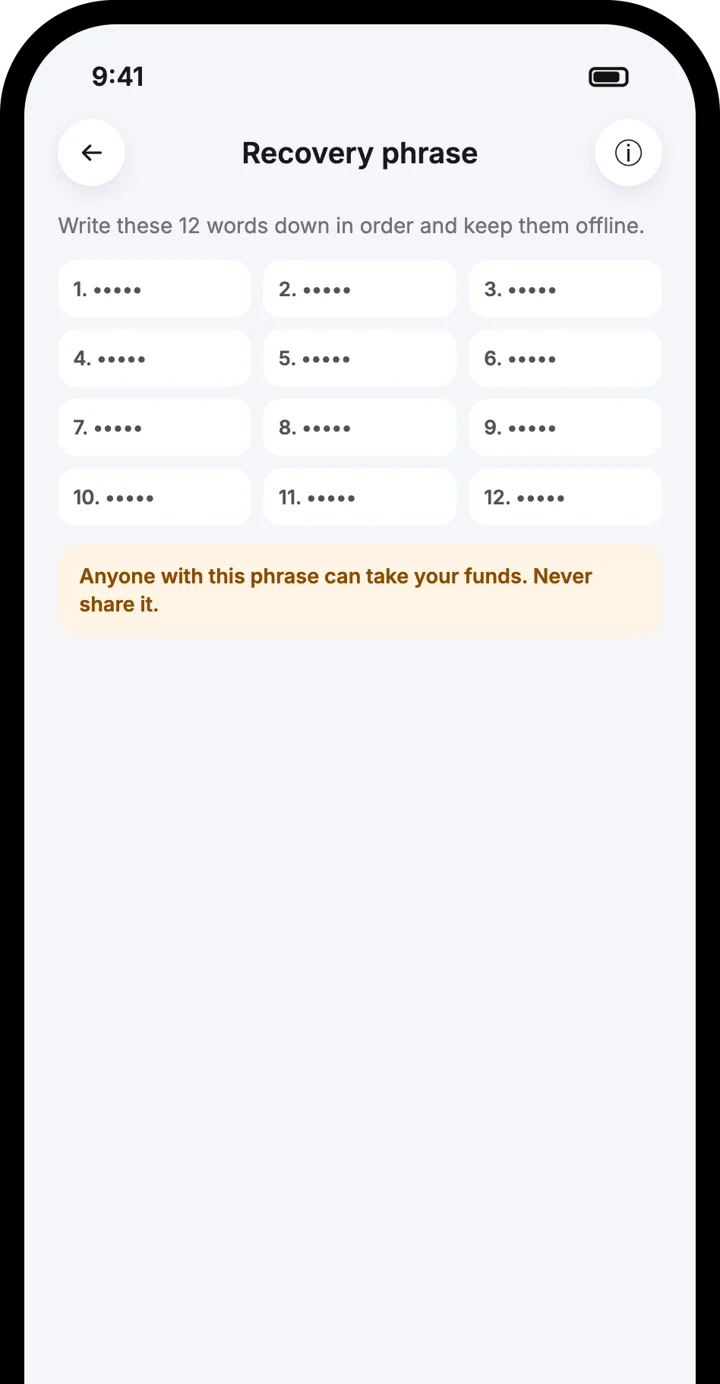
Write down your recovery phrase
Step by step
Step by step

1
Tap Create new wallet
Open Atom Wallets and choose Create new wallet on the welcome screen.
1
Tap Create new wallet
Open Atom Wallets and choose Create new wallet on the welcome screen.

2
Set a 6-digit passcode
This passcode opens the app on your phone.
2
Set a 6-digit passcode
This passcode opens the app on your phone.
3
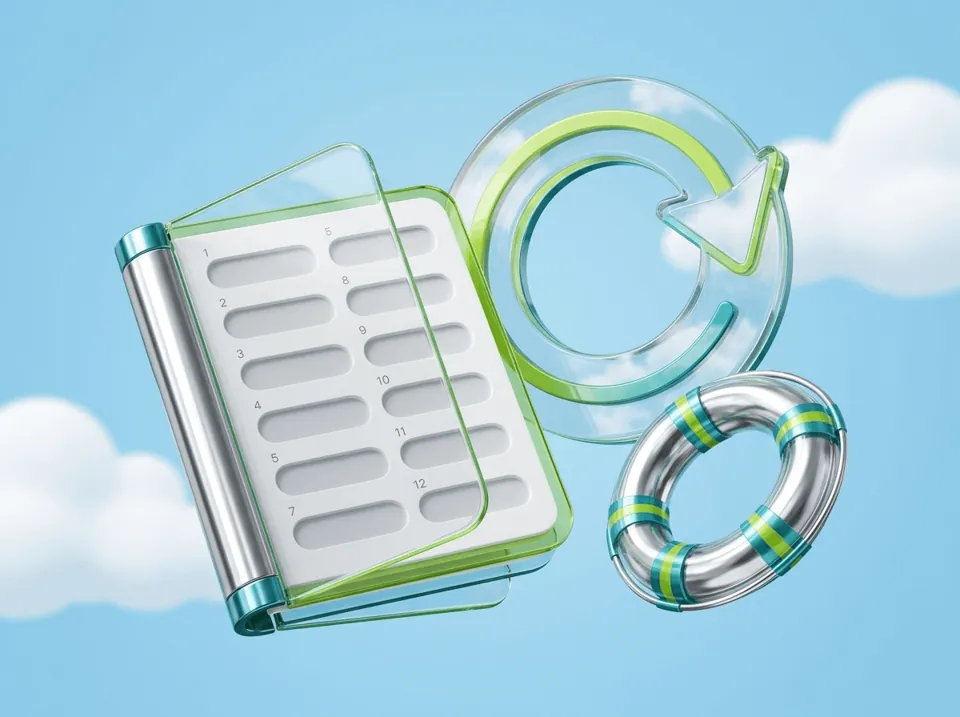
Write down your recovery phrase
The app shows your recovery phrase. Write the words down in order and keep them offline.
3
Write down your recovery phrase
The app shows your recovery phrase. Write the words down in order and keep them offline.

4
Confirm you saved it
Confirm that you have written the phrase down and will not share it.
4
Confirm you saved it
Confirm that you have written the phrase down and will not share it.

5
Start using your wallet
Your wallet is ready. Receive, buy or swap to add your first coins.
5
Start using your wallet
Your wallet is ready. Receive, buy or swap to add your first coins.

6
Add more wallets
Create Wallet 2, Wallet 3 and more inside the same app, each with its own name.
6
Add more wallets
Create Wallet 2, Wallet 3 and more inside the same app, each with its own name.
Good to know
Good to know
Your recovery phrase is the only way to restore the wallet
Your recovery phrase is the only way to restore the wallet
Atom Wallets never sees or stores your phrase
Atom Wallets never sees or stores your phrase
You can rename each wallet in Settings
You can rename each wallet in Settings
Back it up to iCloud or Google Drive for extra safety
Back it up to iCloud or Google Drive for extra safety
Frequently asked questions
Frequently asked questions
Do I need to sign up or verify my identity to create a wallet?
Can I have more than one wallet?
What if I lose my recovery phrase?
Download the Atom app
Send USDT without holding TRX, swap in seconds, withdraw to your local bank and get 24/7 human support — with keys that stay on your device.




Download the Atom app
Send USDT without holding TRX, swap in seconds, withdraw to your local bank and get 24/7 human support — with keys that stay on your device.