

Features · WalletConnect Pay

Features · WalletConnect Pay

Pay in stores with crypto using WalletConnect Pay

Pay in stores with crypto using WalletConnect Pay

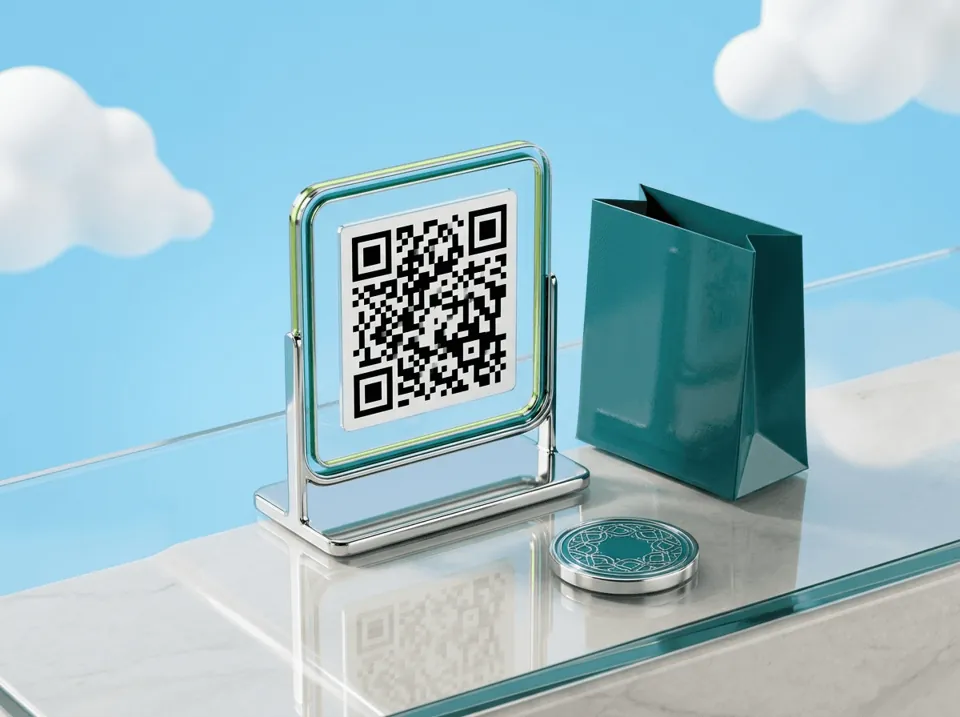
Scan the QR code on a WalletConnect Pay terminal and pay straight from Atom Wallets. No card, no cash and no currency exchange counter.

Scan the QR code on a WalletConnect Pay terminal and pay straight from Atom Wallets. No card, no cash and no currency exchange counter.

Scan and pay

Pay with stablecoins

Straight from your wallet

No card needed

Scan and pay

Pay with stablecoins

Straight from your wallet

No card needed

Atom Wallets app screen

WalletConnect Pay

WalletConnect Pay

Scan the terminal, pay in seconds

Scan the terminal, pay in seconds

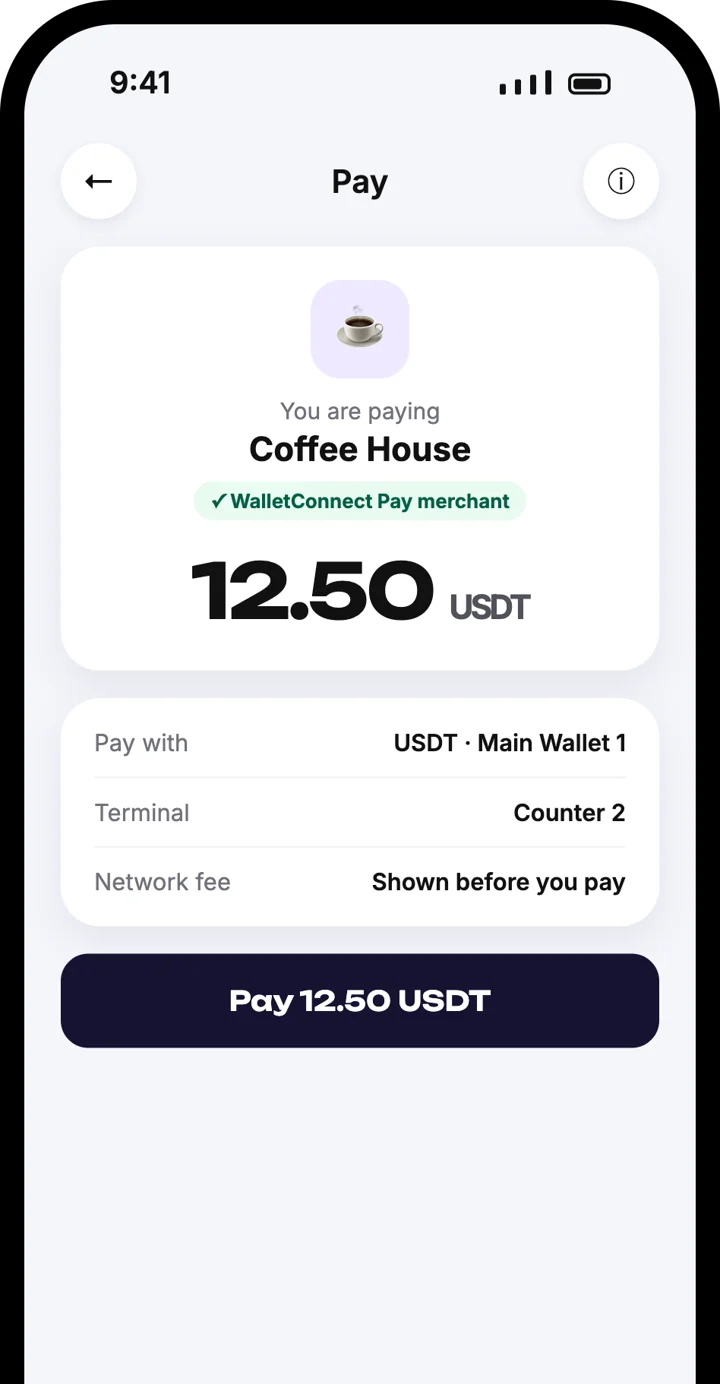
The terminal shows a QR code. Scan it, check the merchant and amount, and approve the payment in Atom Wallets.

Pay with stablecoins such as USDT

Merchant name and amount shown first

The terminal confirms the payment

How it works at the checkout

How it works at the checkout

The merchant enters the amount

1

The merchant enters the amount

Their payment terminal shows a WalletConnect Pay QR code with the amount to pay.

The merchant enters the amount

1

The merchant enters the amount

Their payment terminal shows a WalletConnect Pay QR code with the amount to pay.

Scan the QR code

2

Scan the QR code

Open Atom Wallets and scan the code on the terminal.

Scan the QR code

2

Scan the QR code

Open Atom Wallets and scan the code on the terminal.

Check and approve

3

Check and approve

You see the merchant name and the amount. Choose the coin and approve the payment.

Check and approve

3

Check and approve

You see the merchant name and the amount. Choose the coin and approve the payment.

Done

4

Done

The terminal shows the payment as approved, usually within seconds.

Done

4

Done

The terminal shows the payment as approved, usually within seconds.

Why pay with WalletConnect Pay

Why pay with WalletConnect Pay

No card needed

No card needed

Pay directly from your wallet at the till. Nothing to top up and no card to carry.

No card needed

No card needed

Pay directly from your wallet at the till. Nothing to top up and no card to carry.

You see what you pay

You see what you pay

The merchant name and exact amount are shown in Atom Wallets before you approve.

You see what you pay

You see what you pay

The merchant name and exact amount are shown in Atom Wallets before you approve.

Your crypto stays yours

Your crypto stays yours

Funds stay in your own wallet until the moment you pay. Atom Wallets never holds them.

Your crypto stays yours

Your crypto stays yours

Funds stay in your own wallet until the moment you pay. Atom Wallets never holds them.

Familiar checkout

Familiar checkout

It works like any QR payment: scan, confirm, done.

Familiar checkout

Familiar checkout

It works like any QR payment: scan, confirm, done.

For merchants

For merchants

Merchants accept WalletConnect Pay on point-of-sale terminals from supported payment providers. The terminal shows a QR code, the customer pays from their wallet, and the confirmation appears on the same terminal.

If your terminal or payment provider supports WalletConnect Pay, your customers can pay you from Atom Wallets today.
For merchants
For merchants

Where you can use it

Where you can use it

Look for the WalletConnect Pay QR code at the checkout. Availability depends on the merchant and their payment provider, and the list of supported terminals is growing.

Frequently asked questions

Frequently asked questions

What is WalletConnect Pay?

How do I pay with Atom Wallets?

Which coins can I pay with?

Do I need a bank card?

Where can I use it?

How is this different from Scan & Pay?

Is it safe?

Download the Atom app

Send USDT without holding TRX, swap in seconds, withdraw to your local bank and get 24/7 human support — with keys that stay on your device.

Atom Wallets app screen

Download the Atom app

Send USDT without holding TRX, swap in seconds, withdraw to your local bank and get 24/7 human support — with keys that stay on your device.

Atom Wallets app screen