Buy Crypto
Buy Crypto
Licensed partner

How to buy crypto with a card or bank transfer
How to buy crypto with a card or bank transfer
Buy USDT and more with Onramp Money inside Atom Wallets. Verify once, pay and receive crypto in your own wallet.
Buy USDT and more with Onramp Money inside Atom Wallets. Verify once, pay and receive crypto in your own wallet.
Enter the amount
Verify once
Card or bank transfer
Crypto in your wallet
Enter the amount
Verify once
Card or bank transfer
Crypto in your wallet


Watch how it works
Watch how it works
Buy crypto step by step
Buy crypto step by step
Follow each step on screen, then try it in the app.
Enter the amount
Verify once
Pay and receive
Step by step
Step by step

1
Enter what you pay
For example 1,000 AED. You see the estimated USDT.
1
Enter what you pay
For example 1,000 AED. You see the estimated USDT.

2
Choose the coin and network
Pick the exact coin and network.
2
Choose the coin and network
Pick the exact coin and network.

3
Verify once
Photo ID and a quick selfie.
3
Verify once
Photo ID and a quick selfie.

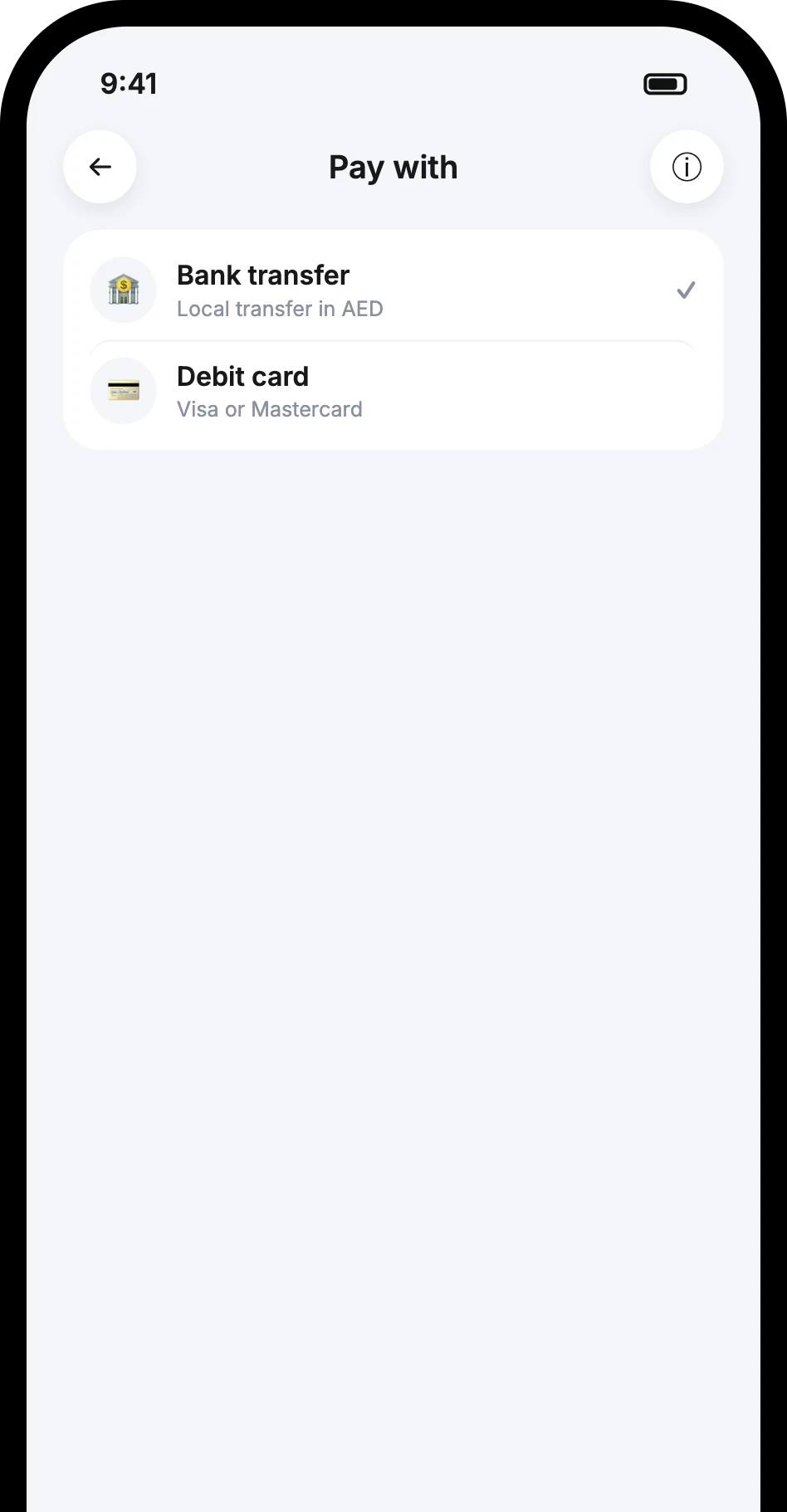
4
Choose how to pay
Card or local bank transfer.
4
Choose how to pay
Card or local bank transfer.
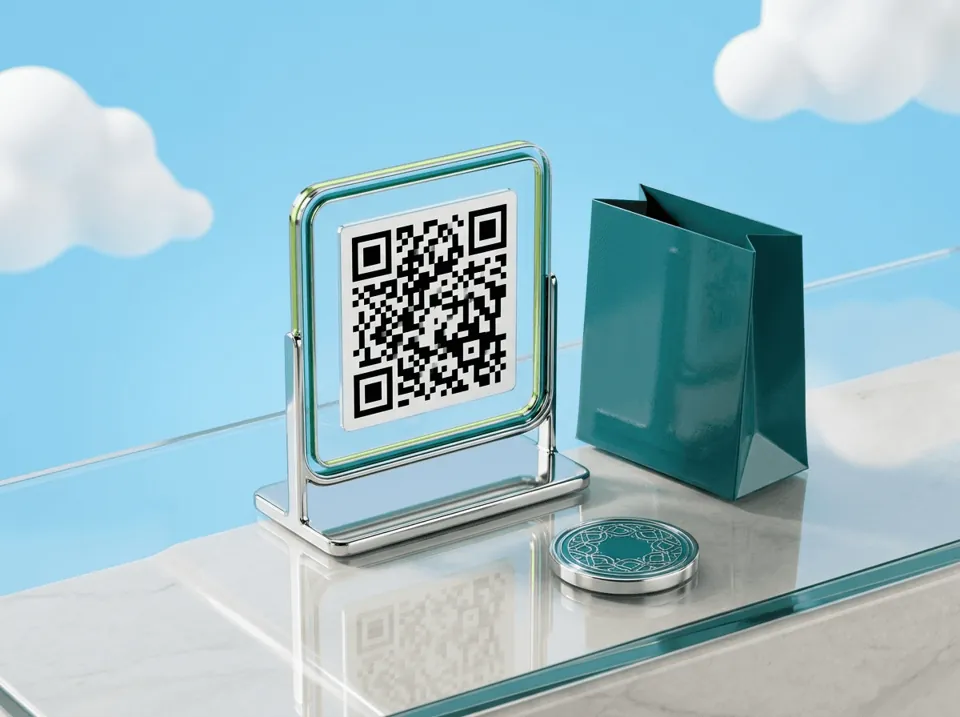
5
Pay the exact amount
For bank transfers, use the exact amount and reference shown.
5
Pay the exact amount
For bank transfers, use the exact amount and reference shown.

6
Receive your crypto
The crypto lands in your wallet and you get a notification.
6
Receive your crypto
The crypto lands in your wallet and you get a notification.
Frequently asked questions
Frequently asked questions
Can I use Apple Pay or Google Pay?
Why is my bank transfer not matched?
Which coins can I buy?
Download the Atom app
Send USDT without holding TRX, swap in seconds, withdraw to your local bank and get 24/7 human support — with keys that stay on your device.


Download the Atom app
Send USDT without holding TRX, swap in seconds, withdraw to your local bank and get 24/7 human support — with keys that stay on your device.